As the title says, after logging into Delta, Autistici/Inventati can’t send or receive emails. Why is that? How should I set it correctly?
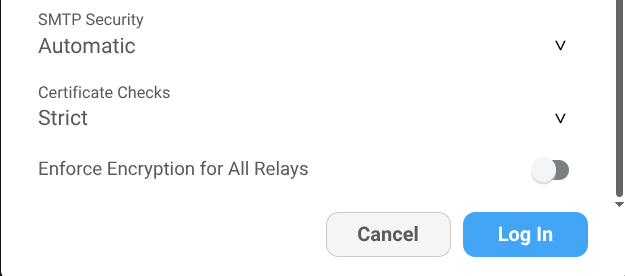
Since version 2.51 there is a dedicated setting to enforce encryption in relay settings, you need to disable it manually to send and receive unencrypted messages.
How to set it up
Thank you, I set it up successfully. But I clicked 'add.'But after clicking the plus sign, there’s no option to create a new email. Why is that?
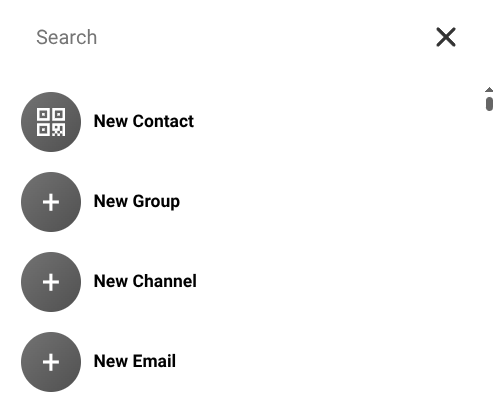
I mean, I can’t send a new email, and there’s no option to create a new email in the new contact
No, do I need to log in again?
You need to click on the checkmark (accept button), not cancel the configuration, for the setting to apply.
I clicked confirm, but when I entered again, it showed 'closed.'I clicked confirm, and when I entered again, it showed it was off
Hello, I have confirmed that the settings have been saved