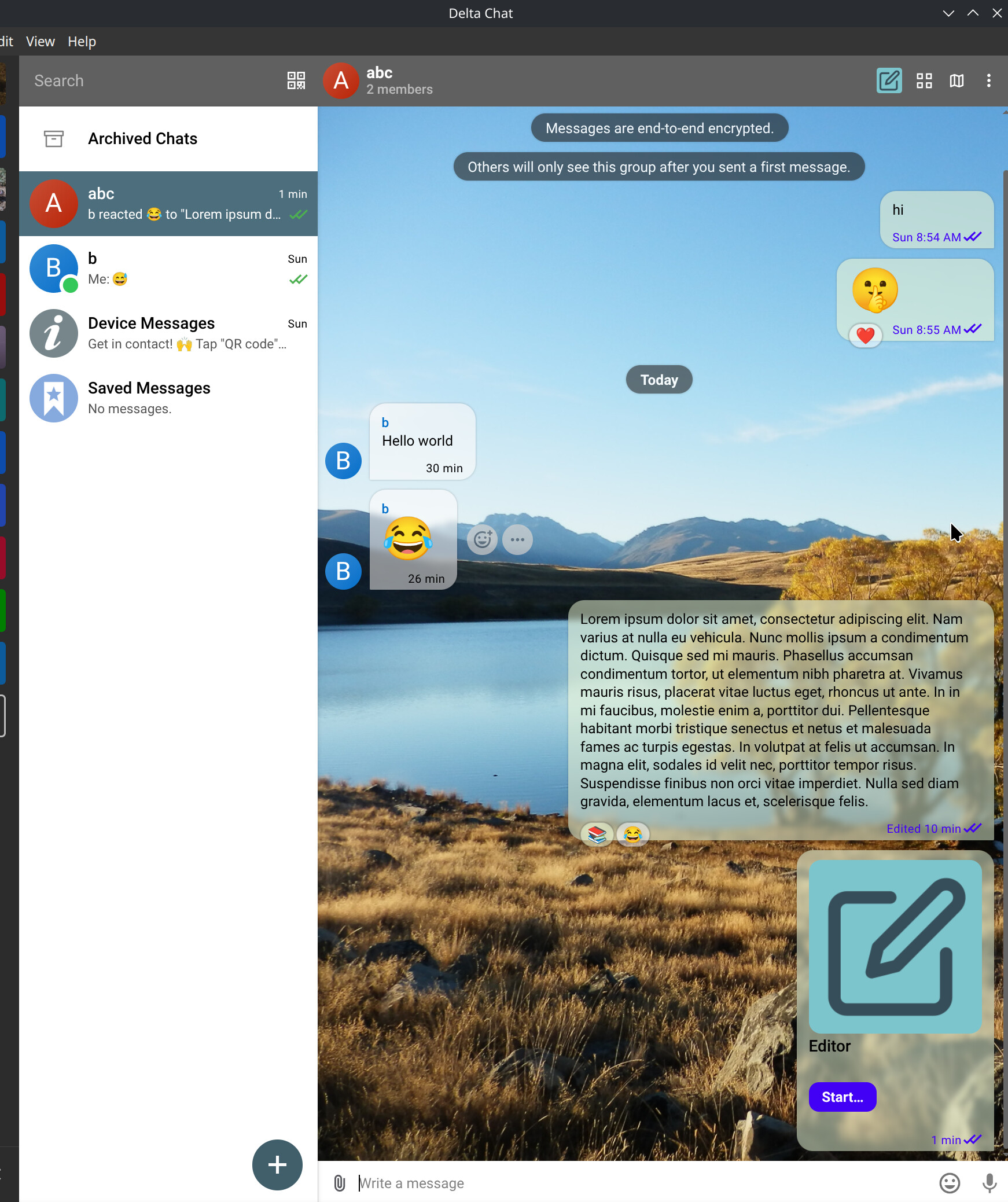
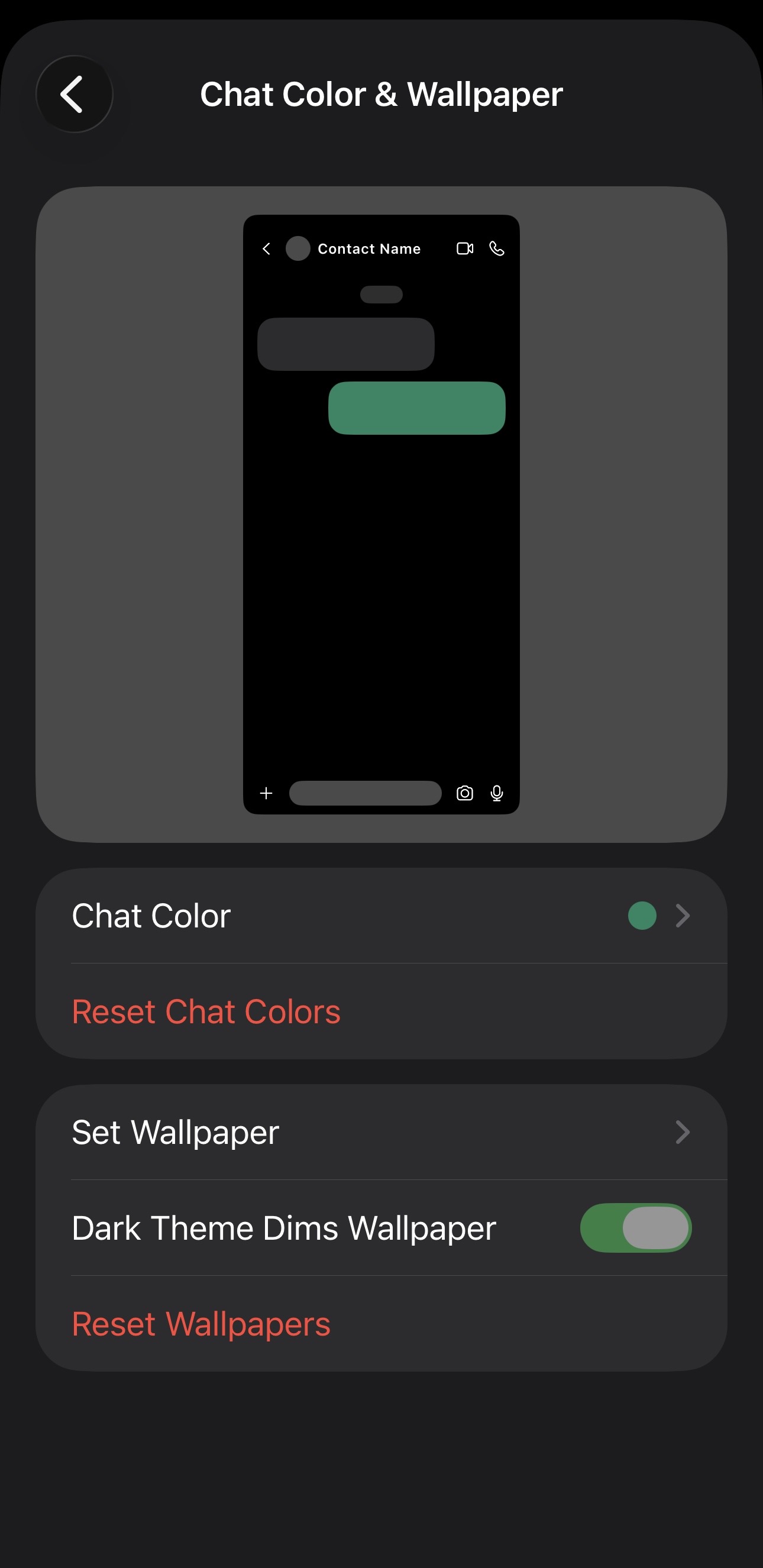
iknow 5 years ago someone asked smth about this but this is different…
im fine with the other person’s bubble being white in light mode and dark gray in dark mode. that universally looks good. im only asking about the green, on one’s own messages.
i think that should be customizable. if not fully, then at least have a toggle to make it match the current background theme. but i think full customization would be fine. it wouldnt be chat specific, js like the backgrounds arent, it’s just a way to pick a color for yourself that matches the theme. noone is going to get their messages mixed up with someone elses bc theirs are always on the right side anyway.
so thats my idea, it would really help, cus rn many of the backgrounds are impossible to get to look rlly good. especially in dark mode, when it’s that dark greyish shade of green. i can make an example image if you guys want. but i think this would make delta chat feel so much more awesome.
Could be something for a soft fork that focuses on maximum user customization.
For the official delta chat clients we aim to avoid options, each option adds maintenance overhead, so it does not make sense to add an option for something that most users would never change.
BTW: On desktop there is an experimental feature for custom user themes (CSS files in a special folder path) deltachat-desktop/docs/THEMES.md at main · deltachat/deltachat-desktop · GitHub. But something like this would probably not be as simple to implement on mobile, where theming is different and not just overwriting some CSS variables. Although unified theme files across platforms may be cool, so that we use the same colors everywhere.
I think it would be nice if when using the built in “Dark Purple” theme, the bubbles would also change to a shade of purple the same way the other elements use the accent color. I don’t know if this adds too much maintenance since I don’t know how it’s set up, but it might be possible since the light/dark themes use different bubbles colors?
I agree that the message bubbles could have a better color in the dark purple theme.
Because you can modify all CSS in those desktop themes, you can really go wild and make fully custom themes for desktop if you wanted to, like blur backdrop filter for a glass effect:
(disclaimer: the CSS class names can change between delta chat versions, so changing CSS and not just color variables is even more experimental. Expect that you may need to update your custom themes when a new version comes out.)
we very, very likely do not want to have it customizable. in general, having options on that level of details is not the gist of Delta Chat.
that said, it can surely be improved, we noticed that as well, it is not as good as it could be, esp. android and desktop and iOS all look differently in dark mode, not all using greenish bubbles. you can surely add an example image about what you mean and post it here
we very, very likely do not want to have it customizable.
Do I understand correctly, you oppose having a simple theme customization for simply picking colors for bubbles and backgrounds, like for example on signal?
I think it’s very well explained in previous messages.
Signal and other messaging app have VC money paying for full time developers working on those assets. DC has a limited number of VOLUNTEERES who normally focus on different aspects of the platform, more important for many users. Havin said that, UI and usability it’s also important for the devs and any feedback is always scrutinized and taken in consideration if useful form the majority of users.
Well, I would love to contribute and work on that. But if it will be rejected afterwards, then I obviously don’t want to waste my time. Hence my question to @r10s.
as discussed 1:1 and above, making message bubbles customisable is no priority currently, it would be more work than just iOS, require discussions, coordination etc. and it is not clear if and how that will be wanted, even if we have unlimited resources