I use DC a lot and would be happy to be able to speed things up a bit. Especially the archiving and unarchiving of chats is something I have to do regularly.
Currently there’s unfortunately no easy way to archive / unarchive (multiple) chats using the keyboard or the scroll wheel.
Current way:
Right click on a chat, context menu opens
Find and click the menu option “Archive / Unarchive”
Proceed in the same way with the next chat
My proposals:
Middle-click on a chat archives/unarchives it (like in Telegram Desktop)
Additional keyboard shortcut (e.g. [CTRL] + [SHIFT] + [A]) archives/unarchives the currently selected/opened chat (like in Signal Desktop)
Good context menu implementations provide a way to focus or activate a menu item via shortcuts (usually displayed as an underlined character on the menu item label).
I would prefer to try to implement that first.
Ours is an in-house one (which suffers from many other issues also):
Good to know – I’m still on 2.53 and will give 2.56 a try. Thanks!
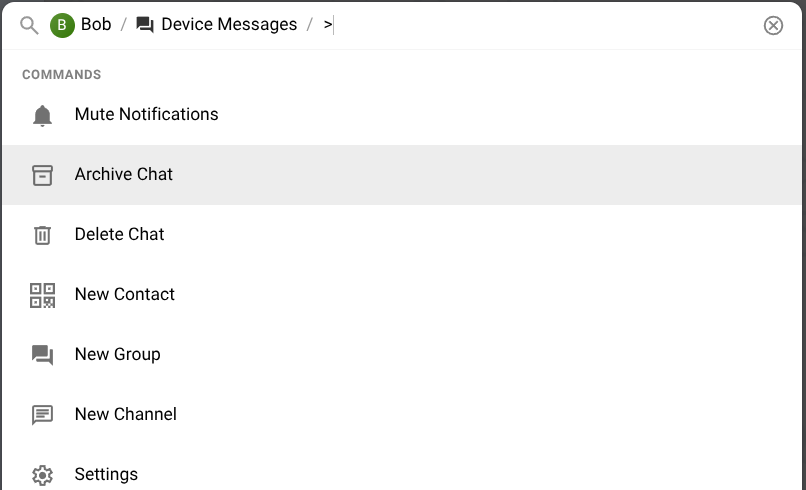
What directly comes to my mind when I read [CTRL] + [P] followed by ar and Enter is that I would probably need two hands to do that (or a very good keyboard aiming engine ). A simple keyboard shortcut like [CTRL] + [SHIFT] + [A] or the mouse wheel button (middle click) can be done with a single hand

 ). A simple keyboard shortcut like