A little clarification, which I put together from a yesterday’s DC group chat:
DeltaTouch was originally made for ubports and lomiri devices, but since it’s now on Flathub, it should work on any x64 or arm64 Linux distributions that can run flatpaks, including Linux phones and Linux desktops.
It works even without touchscreen, with usual mouse only.
Seems like it uses way less resources, especially RAM (comparing to DC Electron desktop app).
UI can be a little more unpolished, and sometimes it likes to freeze-lag slightly.
Original DC desktop is more consistent and doesn’t really freeze, but also is more overall laggy. However, the minor hiccups are probably extremely fixable.
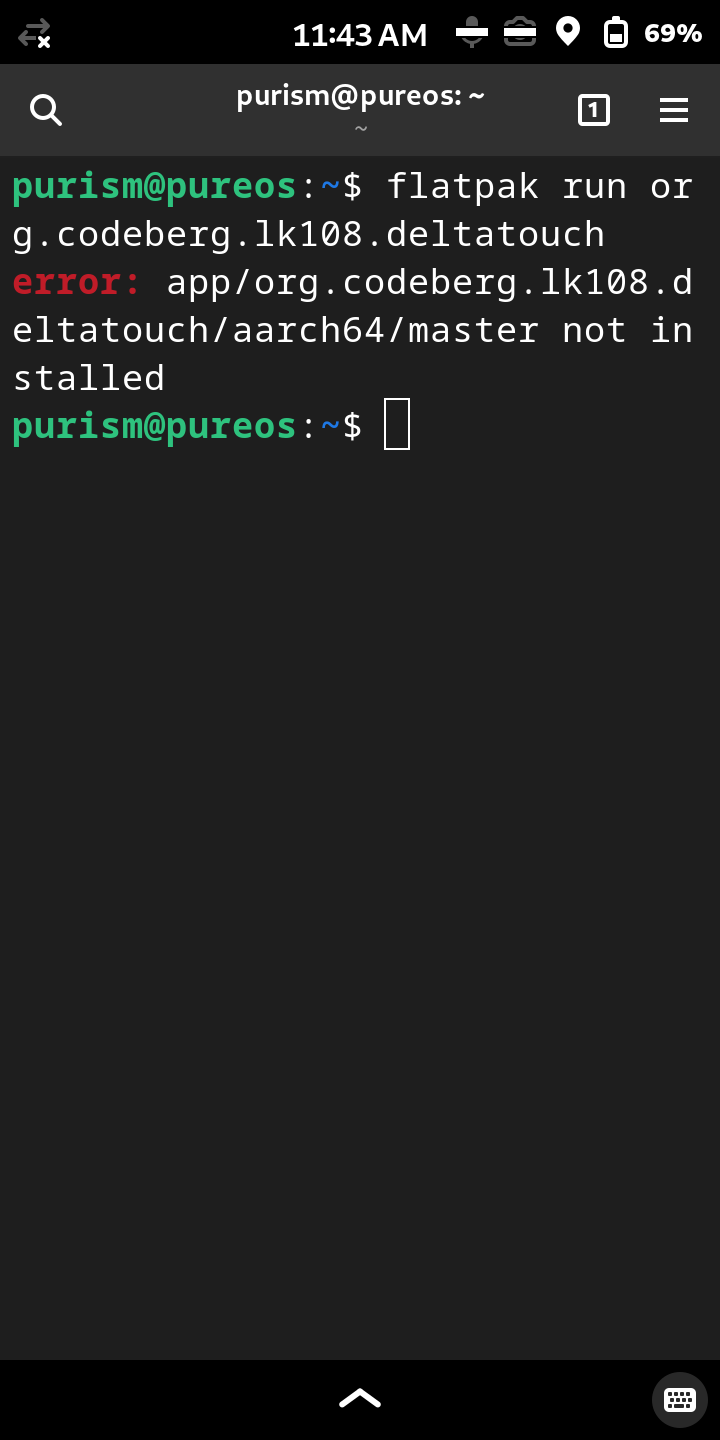
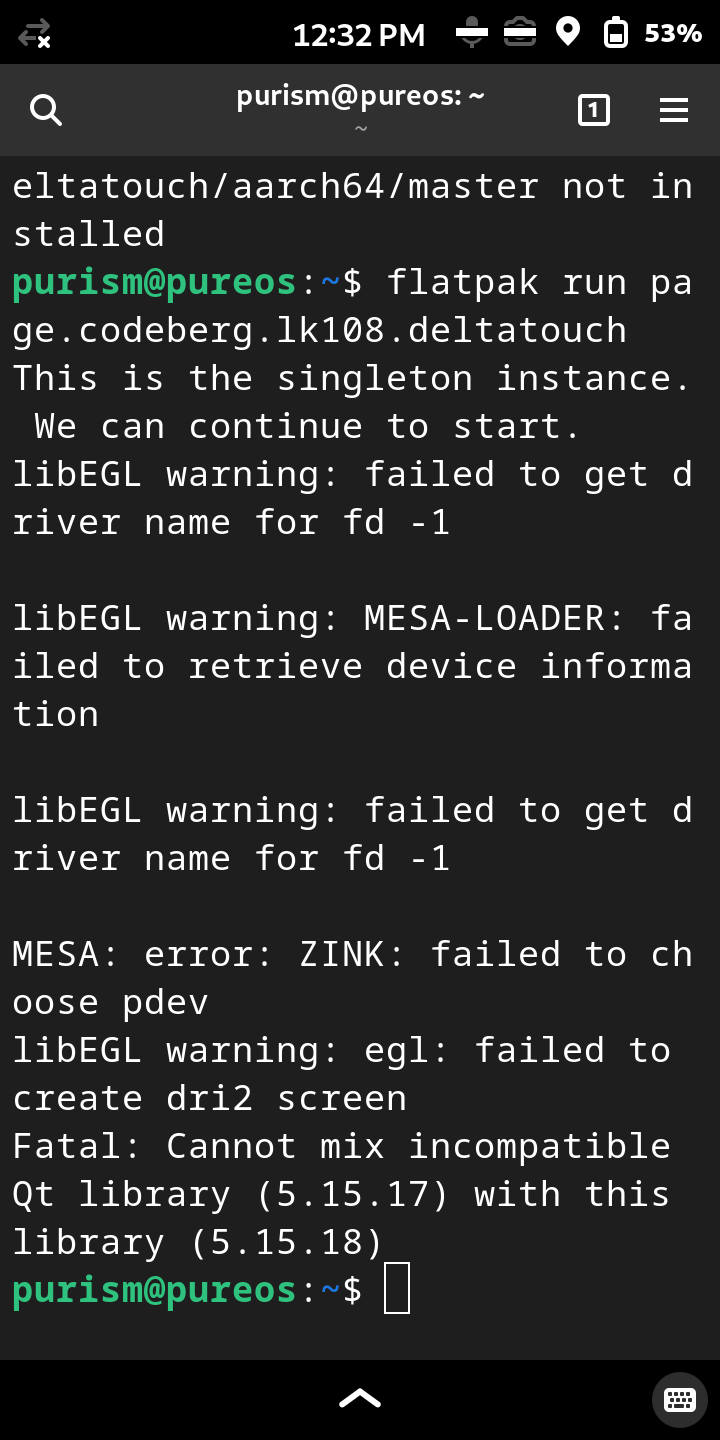
Was excited to discover this app on flathub. Installed on Librem 5 but it wouldn’t launch via app shortcut. Getting this error when launching via the terminal.
DeltaTouch 2.33.0
PureOS 11 Crimson
Phosh 0.34.0
Install from flathub.org, then try to launch with app shortcut.
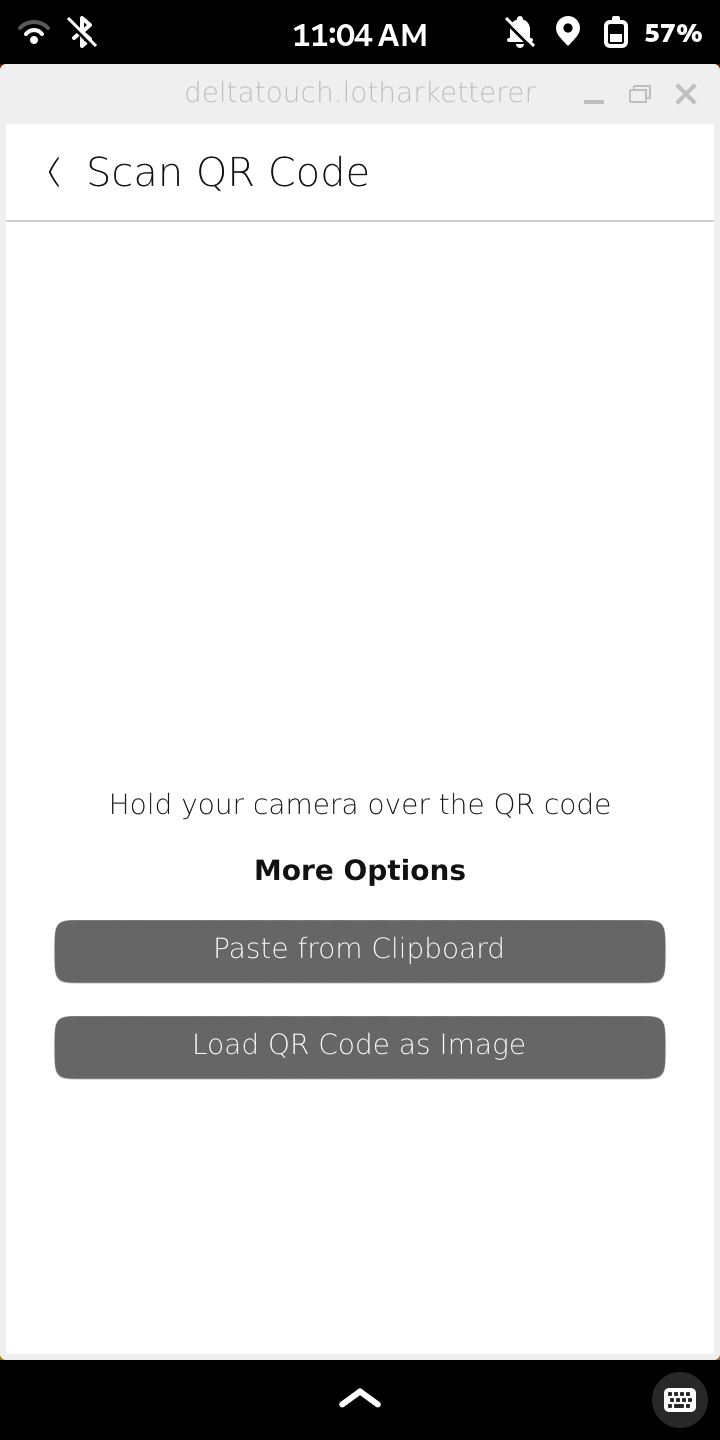
That fixed it, thank you. Next issue I discovered is that it’s not allowing the camera to scan the QR code to add as second device. Librem 5 camera switch is enabled and working with regular camera app.
I was able to successfully set up DeltaTouch as a 2nd device by copying and pasting the backup QR code string from the clipboard.
Hmm there’s a similar issue on the Pinephone, but it works on other platforms. We’ll have to take a closer look, but to be honest, I’m not sure when we’ll get to it.
I think the issue was partly different on the Pinephone: as I recall trying to use the camera could crash the app. The airgappable non-peripheral camera is a Librem-Pinephone commonality that as I recall also caused OS problems.
If I remember right, taking a photo of the QR code and pasting it into the app works. Failing that, QtQR is a separate package which reads QR codes and gives the text; it works on mobiles. A bit kludgy, but you could used it to load contacts you’d photographed earlier into the app.
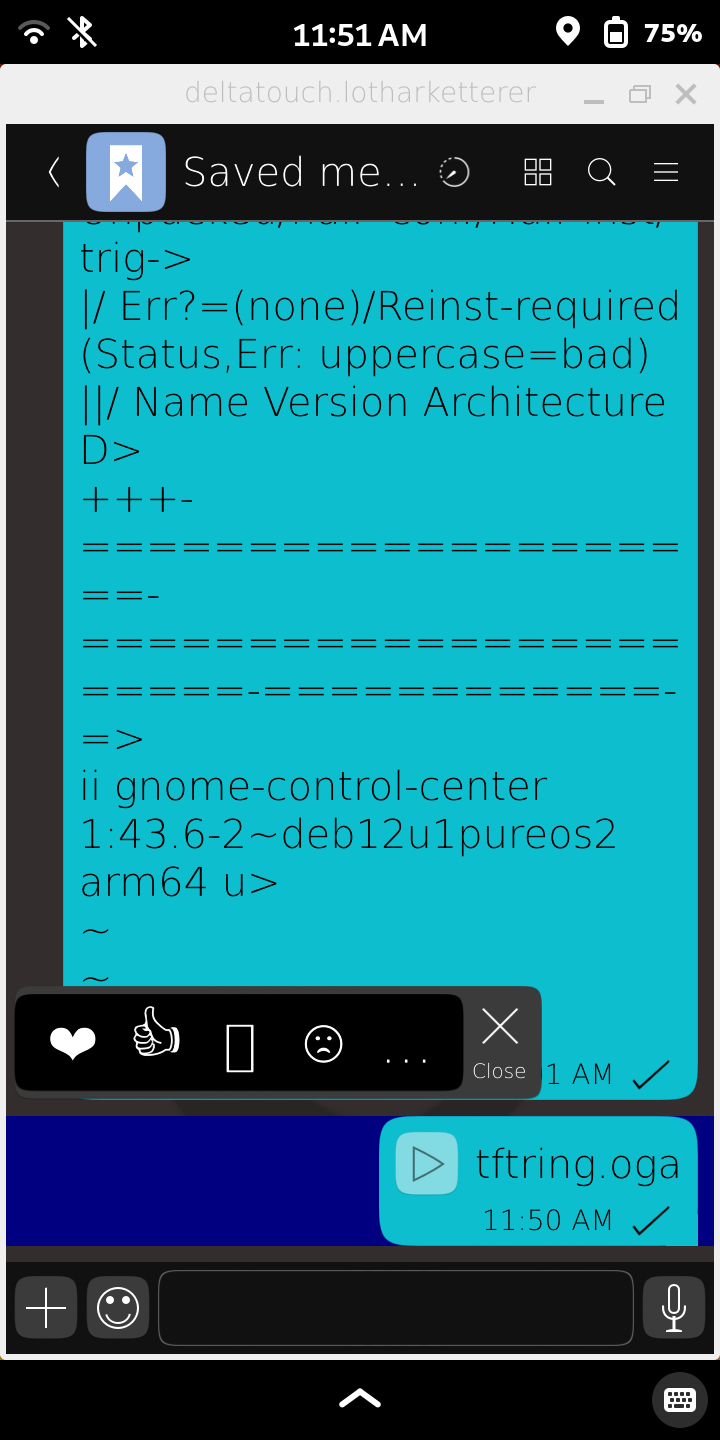
The long-press menu is a combination of the most recently used emojis and select/copy. In this case, the message contains no text at all (“tftring.oga” is the name of the attached audio file), so the “select all” and “copy” elements of the long-press menu are hidden on purpose.
Oh, I thought it was a general problem with Qt and the Pinephone camera, at least on Mobian. Are there actually Qt apps where it works? Would be interesting how they do that.
I tried QtQR, and although it claims that it can, among other things, “use your webcam to scan a printed [QR code]”, I did not find this feature in the app on the Pinephone.
I see. The way it appeared to me was that there were other long-press menu options in addition to select/copy that were being obscured by the emojis.
Will have to revisit the DeltaChat interface and compare the two.
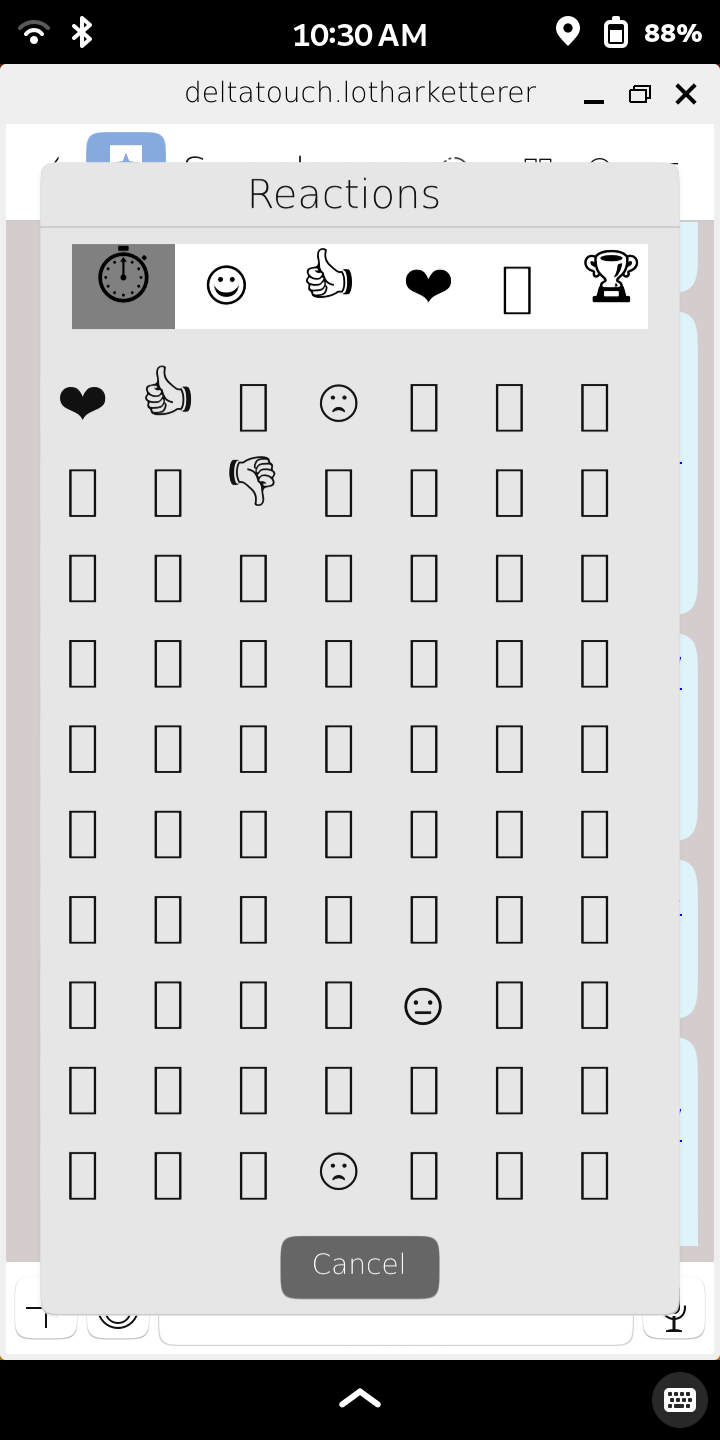
I take it the phone is also missing a font library, that’s why the emojis in the screenshot look broken. PureOS already has the fonts-noto-color-emoji package installed. Is there another one which DeltaTouch uses?
Sorry, some setup required. Open QtQR. Open the “Mobile Settings” app, and under “Compositor”, toggle the illnamed “python3” to bring the whole QtQR app onscreen. The options “Decode from file” and “Decode from webcam” will appear in the bottom right corner of QtQR. I think I’ve only tested the file one.
I can use the Pinephone’s webcam to take photos with Megapixels (GTK) first thing after boot, but if I do anything else it does not work. In practice I don’t bother, so I don’t have details.
The easiest workaround here is to let your contact scan your QR code, assuming they are not also using DeltaTouch.
On the Librem 5, I’d think the easiest workaround would be “take a photo of the QR code and load the image file into the app”. But you could also extract the link from the QR code and paste that into the app.
Not absolutely sure, but I think this might be a moderately recent regression. It certainly freeze-lags on 2.22.0. I am not sure about 2.8.0. But I do not recall the 1.x.x versions freeze-lagging.
But I think the length of chat history matters. In a long chat it takes over three seconds after I send a message before I get a keyboard back, but a shorter chat it is under a second. So maybe there was no regression, my chats have just gotten too long. When chat history export comes, I will be able to clear the histories and see if it makes a diff.
The most dramatic lags I’ve seen are when a contact has sent a couple dozen messages and then gets back in wifi range. The messages all arrive at once, and the app freezes for long enough the I’ve assumed it has crashed and tried repeatedly to close it.
I don’t know if there is an echo-manyfold bot, that replies to each numbered message with the number-specified number of echoes.
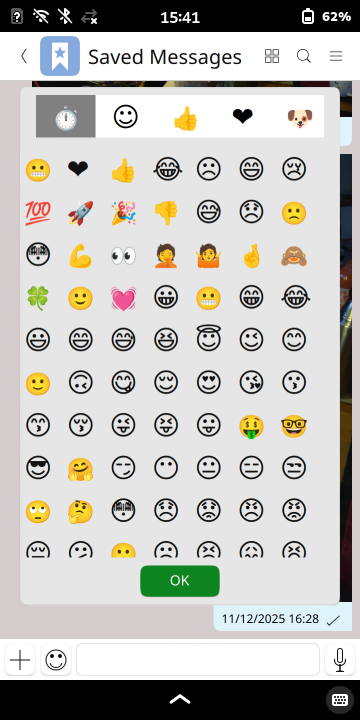
Out-of-the-box, DT does not use fonts-noto-color-emoji as the default for emojis, so there is a lot of tofu (non-rendering characters; “noto”=“no tofu”) and the emojis that do render are black-and-white. But other apps on my Mobian system consistently do use color Noto for emojis, so my workaround is copy-pasting emojis I am sent into a text editor to see what they are. A bit kludgy but it works.
Thanks. With this the “Decode from webcam” button is visible, but when clicking it, there’s no video device to select. So I guess Qt really has a general issue with the camera on the Pinephone and possibly the Librem 5. If someone points me to a Qt application which can access the camera on these devices, I’ll see to adapt DeltaTouch, but for the time being I won’t be able to do anything, I’m afraid.
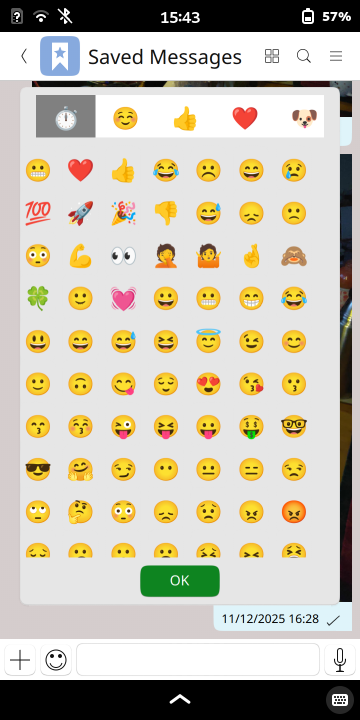
Some sources on the web suggest that Qt chooses the black-and-white emojis by default. Ubuntu Touch, which heavily relies on Qt, solves it with a font conf that works on Mobian as well. After putting this file in /etc/fonts/conf.d/, emojis render like this: