the version comes with much better resilience by improved multi-relay support: your contacts get to know all relays you define at “Settings / Advanced / Relays” and will try to reach you on all of them!
the call feature is still experimental, but hugely improved, eg. it integrates to the operating systems much better meanwhile. as before, you enable it at “Settings / Advanced / Debug Calls”. see Help testing upcoming 2.22+ Delta Chat release with calls 📞! for some previous discussions.
I would like to know how the integration of coturn into Delta Chat is progressing, so that it can work with any account — whether a regular email account or a self-hosted chatmail server (although it may not be necessary there, perhaps as a fallback).
I would also like to know how the implementation of the ability to use (connect) a custom coturn server in the application is progressing.
Which coturn server is recommended for self-hosting?
The day before yesterday, a friend of mine lost the handset button in the chat. When I tries to call him, he only sees a missed call. The Debug Calls mode is turned on and until the day before yesterday everything was fine, calls went through, the handset was in the chat.
Today, Delta Chat was even deliberately removed and reinstalled, but the handset never appeared in the chat. Latest version of Delta Chat.
I have a test profile with two relays. One of those now seems offline. The profile is still able to send and receive msg from the other relay, but the header shows with yellow dot and Connecting..
A user on android 6 and dc 1.58.4 says that because contacts upgraded to 2.47 , there is now lots of garbage messages, wrong assignation of chats etc
Their messages:
Don’t update to Delta Chat **v2.47.0** – it is buggy!
After an aquaintance updated 4 days ago i have got a big amount of broken chats, undecrypted garbage messages, and messages from group chats moved into dialog chats.
It is coming from many contacts, probably who also updated.
I had read the blog and the new description of release in GitHub, and i found no suspicious changelog record. Probably, the developers did not know yet that the v2.47.0 is harmful to ecosystem.
BTW, i stay on ArcaneChat 1.58.4.
1.58.4 is old version, but it should not be called *extremely* old as it released just less than 1 year ago
I did not like some little new feature of version 2. That is why i intentionally reluctant to update.
I should not expect breakage if in changelog is not said “this is the last version compatible with version 1.x.x.” If it is not Alfa, Beta or version 0.x.x.
One year is really short age. Many other software continue to work unupdated with much lesser breaks.
Probably, i will be forced to update But the problem is not in my old enough good client, but problem is in other new unreliable clients! V2.43.9, v2.35.0 and many other 2.x.x worked enough reliable with my client – only the most recent release broke most E2EE chats.
Would be better for ecosystem if all people stop updating after v.2.43.9 (the last reliable) and don’t inflict sudden information loss and don’t force me to update.
See PSA: Known interoperability problem in chatmail core <1.160.0
It is known that old versions cannot decrypt messages with anonymous recipients. We have postponed enabling anonymous recipients for a long time to let users upgrade to compatible versions, and enabled it since 2.46.0.
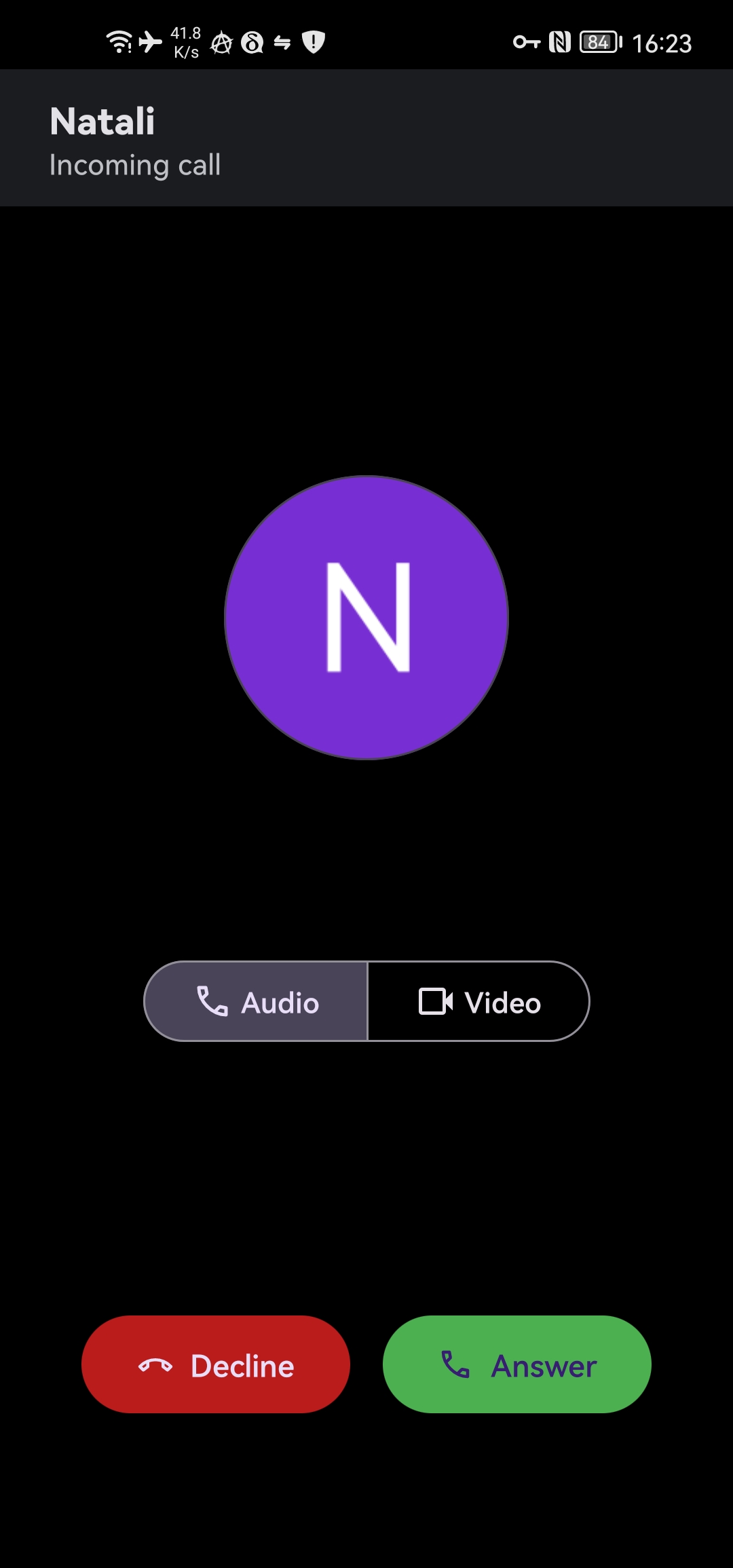
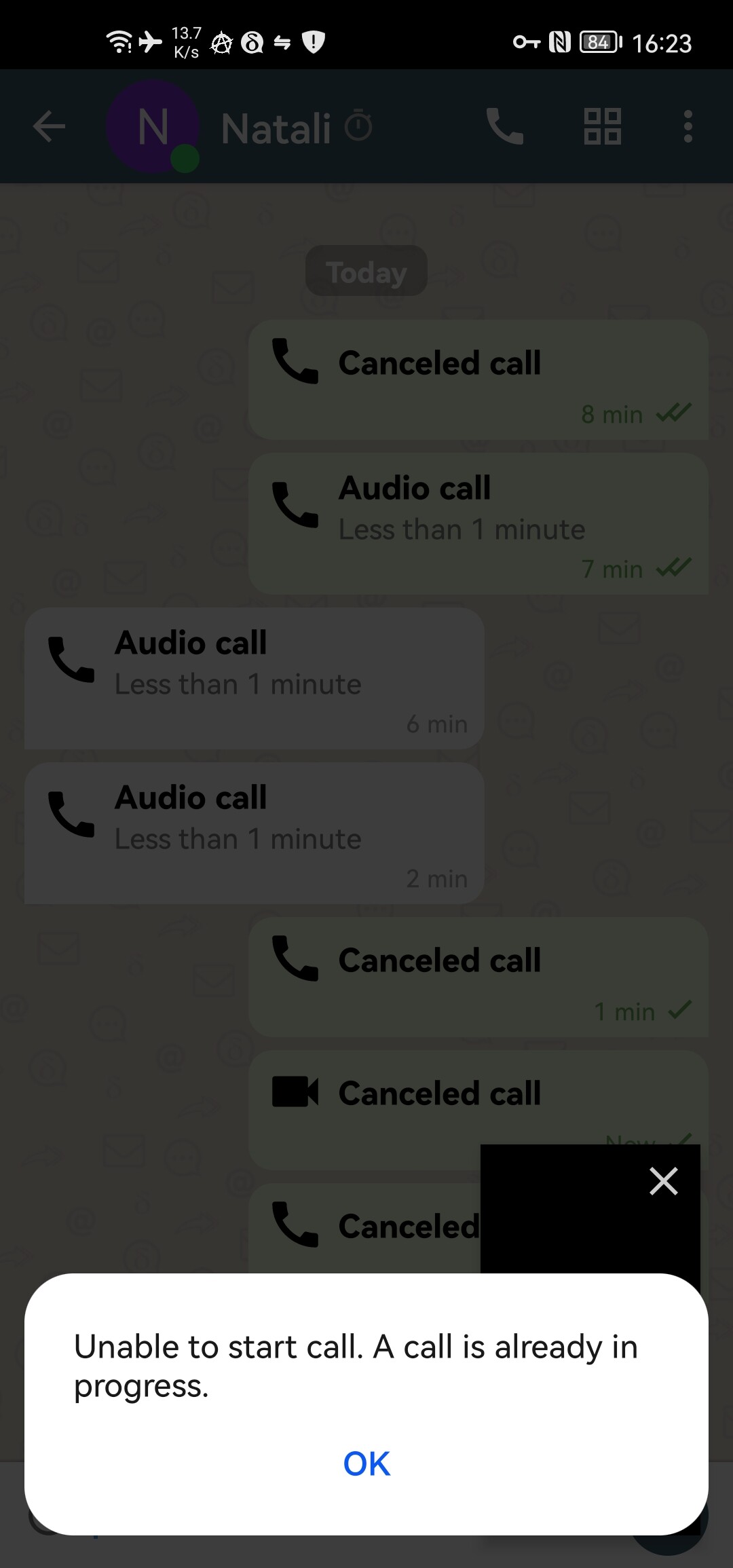
When there is an incoming call, I do not see the window to accept/reject the call. Only in chat it is displayed as a missed call. When making an outgoing call, the window appears normally.
I’ve changed various settings/notifications in Android, but nothing helps. Please tell me what could be the problem and how to find the reason for this behavior?
This was also in version 2.43, and remains in version 2.47
if will take some more days. in general, we roll out slowly - so if issues pop up, they affect as few people as possible. if you want to test and use 2.47 today, use one of the other options
I had a message order problem on one of the two equipments. On the equipment (Windows desktop) I replyed, the message order is ok. On the other equipment (Android) the message order is vice versa.
Message 1 send date by another person: 10:28:09 via nine.testrun.org
Desktop:
Message 1 received on Windows Desktop: 10:28:09 from nine.testrun.org. Same time as the send time from the sender.
Message 2 send by me as response on Windows Desktop: 10:28:53 via nine.testrun.org, tarpit.fun, chat.in-the.eu.
Display order: Message 1, Message 2. Order of the two messages is ok on Desktop.
Android:
Message 1 received on Android: 10:30:59 from nine.testrun.org.
Message 2 showing send date on Android: 10:28:53 (same as on Desktop).
Display order: Message 2, Message 1 on Android.
The messages are sent and received on nine.testrun.org within the same second.
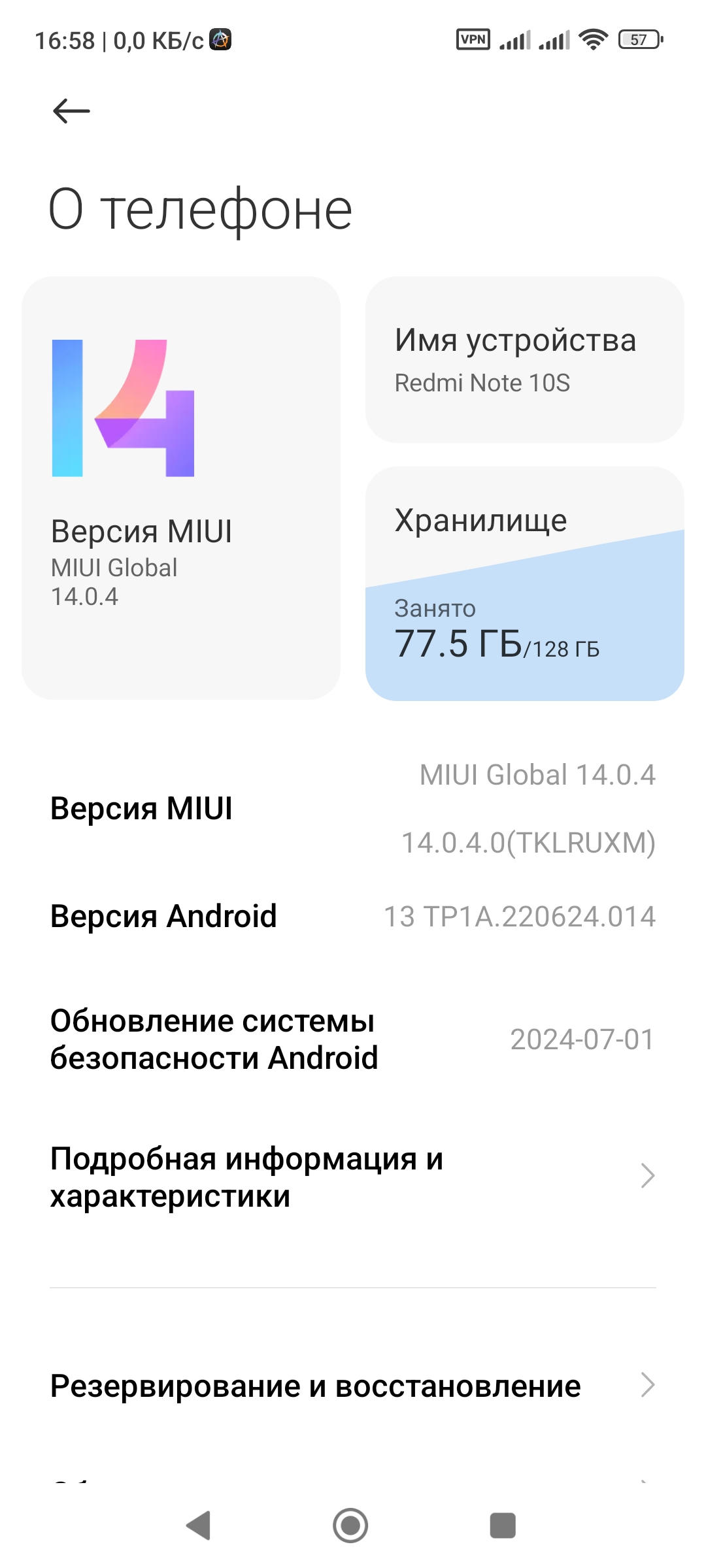
Today I tested calls on a Huawei P40 Lite without Google services, Android 10, and on a Xiaomi 10T, Android 13, with Google services. So, the first one showed the incoming call screen, while the second one did not. After several attempts, the first one started throwing an error as if the session hadn’t been completed, and after that, its WebView malfunctioned — everything on the Huawei just crashed. Videos wouldn’t play in browsers, and in other messengers, the call audio functionality stopped working. This was resolved by rebooting the device. On the second device, aside from the incoming call screen never appearing, there were no issues with the Google WebView
 https://download.delta.chat/android/beta/deltachat-gplay-release-2.48.0.apk (google play candidate, overwrites existing installs, should keep data)
 https://download.delta.chat/android/beta/deltachat-foss-debug-2.48.0.apk (f-droid candidate, can be installed beside google play)
 Join the Delta Chat beta - TestFlight - Apple (iOS Testflight, should keep data)
 Index of /desktop/preview/ (macOS, Windows, Linux)
 Don’t update to Delta Chat **v2.47.0** – it is buggy!
 But the problem is not in my old enough good client, but problem is in other new unreliable clients! V2.43.9, v2.35.0 and many other 2.x.x worked enough reliable with my client – only the most recent release broke most E2EE chats.
 ) would just think it’s Delta Chat is broken, and would not go deep into menu and sub menu to find out one of the relay is down.