Delta Chat version
2.35.0 Both PlayStore and F-Driod Versions
Multiple Devices
Expected behavior
Notifications come in almost instantly
Actual behavior
No notifications coming at all. When I open DC, often there is a yellow dot in the top left, then it says Connecting, then Updating and then all the messages come in. I’ve been using DC for 7 years with my family and have not changed anything that I can think of. I thought it might be a Pixel issue, but I loaded up an older non-Pixel phone and still have the same issue. I run my own mail server on Yunohost in my basement. This is the one thing in common with all the devices, but I can’t see how it would be causing the connection issue on the DC end.
The logs look like a normal Android 16, similar to what I run. “Use Background Connection” (ignoreBatteryOptimizations=true) and “Force Background Connection” (reliableService=true) are both enabled.
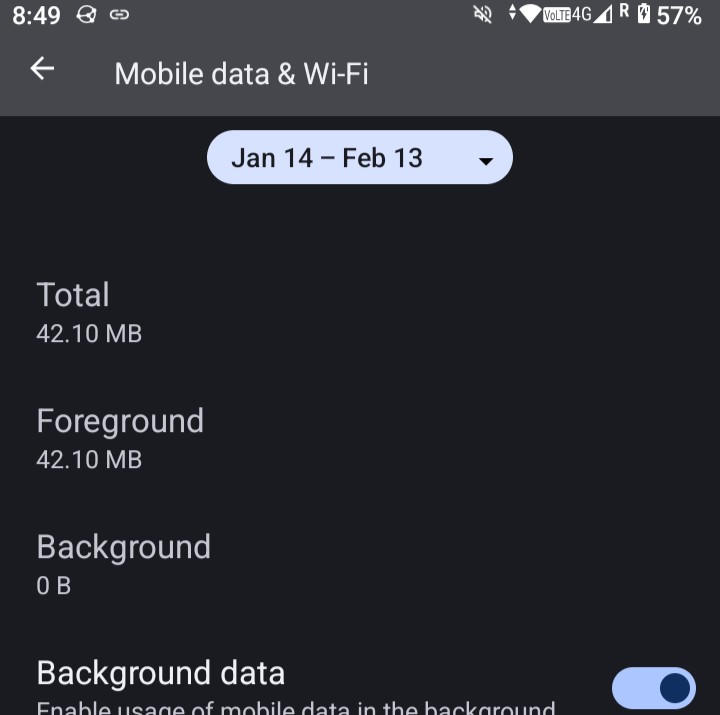
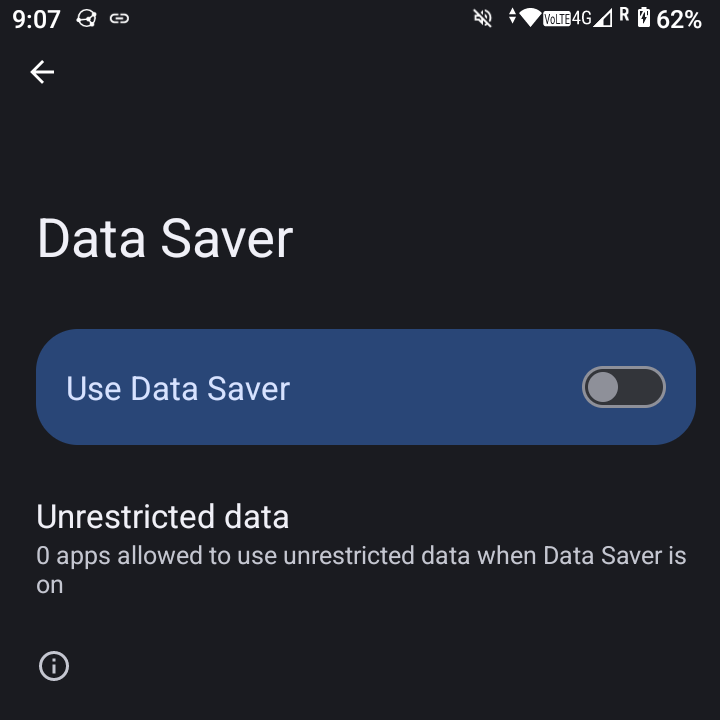
Are you on Wi-Fi or metered connection? Could you go to “App info”, then “Mobile data usage”, then check if “Background data” is enabled?
I am on both Wifi and Mobile data (when away from my house most of the day) and not on any metered connection.
Background data is turned on, but what is interesting is that there seems to be no background data being used. This is my non-Pixel phone that I loaded DC onto about 5 days ago … it’s been running DC the whole time and we’ve exchanged at least 200 messages in my family. But nothing in the background?
The problem with the log is that it does not contain any lines about connecting. If you capture a longer log that actually has the lines about connecting to the server it could be helpful. I previously wrote a guide for capturing longer logs on Android:
Which email server do you run on YunoHost? Is there the same problem with other accounts on other servers, if you have them?
I don’t know what Yunohost has baked in for email servers … It’s always just worked. I don’t have other connections on DC although I suppose I can find some people to connect with.
I’ve increased the log size. I guess I’ll need to use DC for a bit tomorrow to build up more logs?
Prepare another empty test profile on another device (e.g. desktop or spare phone) and get in contact with your primary profile using a QR code or invite link.
Unlock the phone, make sure the screen is on.
Close Delta Chat (by swiping up in the app overview).
Send yourself a message from a prepared profile.
See if the notification arrives.
And another test:
Disconnect your Delta Chat device or shut down the phone.
Open the web interface for email of Yunohost or your email client (e.g. Thunderbird)
Send a message to self from a prepared test profile.
See in the email client that a new message arrived in the Inbox and is not marked as seen.
If the notification does not arrive, it could be that your server marks the message as “seen” as soon as it arrives for some reason, maybe because of some filters you have set up on the server.
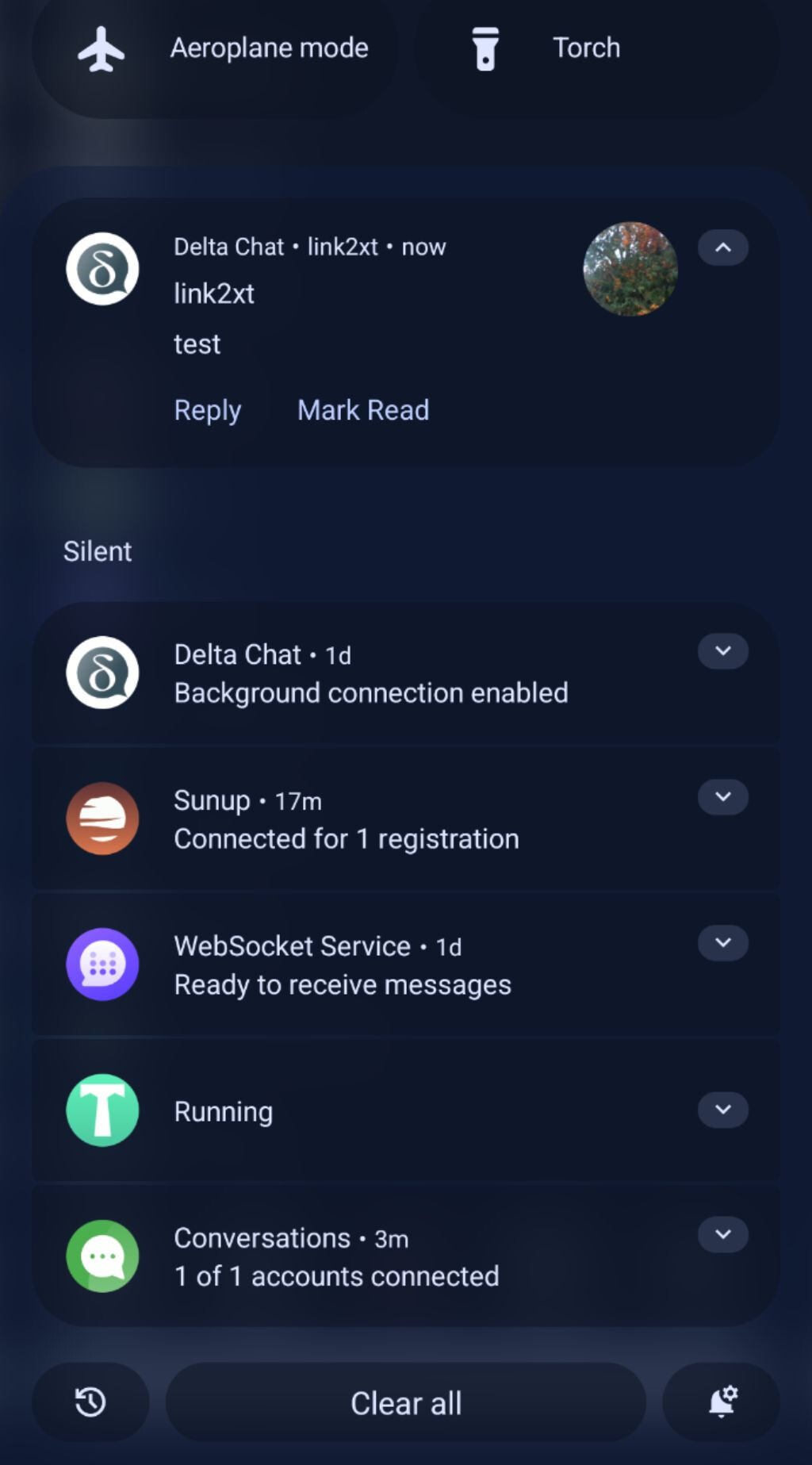
The screenshot you sent is exactly what notifications used to look like on all our devices.
Here is a fresh log from when I opened DC this morning and it updated and pulled my messages: deltachat-log-20260119-080803.txt (44.9 KB)
Another interesting thing. I have multiple devices with DC on the same account. When I open DC on one device the messages pop in on all devices at the same time. (For instance, this morning I opened DC on my Pixel Fold … it updated DC on my Fold and showed me my messages. At the same time my laptop and other phone dinged indicating a new message.)
In this log at least one message is read from the Junk folder. So maybe the problem is that your server started moving Delta Chat messages into the Junk (spam) folder for some reason. This is probably also why all devices see them at once when Delta Chat moves them out of this folder.
What is also strange when I look at the emails on the server is some of them are in DeltaChat folder and some are just in the Inbox. And yes a few in Spam.
I think I can fix the spam issue, but I’m not sure how DeltaChat folder comes into play or when/how messages get in there. I also notice there are no messages in the sent folder. Maybe that is normal … don’t know.
I can send over screenshots later if that would be helpful.
Delta Chat moves messages to this folder if you enable the option “Move automatically to DeltaChat folder” in the settings. It is at the end of “Advanced” settings, in the “Legacy Options” section. Please check that all your devices have this option disabled, so messages arrive into Inbox and stay there. Generally all “Legacy Options” are better left disabled, “Show Classic Emails” set to “All”.
This is normal, Delta Chat does not use the “Sent” folder for anything. It puts own address into Bcc instead so a copy of outgoing messages is received in the Inbox, it is more reliable than saving a message into Sent independently of sending.
This problem made my close friend drop the idea of migrating to this app and somewhat dented our friendship, though I’m holding out hope that this might get fixed soon. I think I like this app but I’m mostly by myself for now
None of my devices had any of the ‘Legacy Options’ checked and ‘Classic Emails’ were set to All. So this does not explain why it is happening on my account. My wifes laptop did have the ‘move to DeltaChat’ folder checked, but that should not affect my email account.
I just don’t understand enough about DC to figure out why at least some of my messages are not coming in even if somehow a message got placed in the Spam Folder. The rest of the messages in my Inbox should have been pulled in by DC.
I suppose I can try to find a new email server for testing, but I really don’t have the time to try all these things. Something that has been working well for 7 yrs has changed … It could be on my server end, but I just don’t understand how my server could make DC stop receiving messages.
Ok. I have some progress. When I turned off rspamd service on my Yunohost server, notifications instantly started again. Turns out they are using SpamHaus list for spam filtering and my private domain is listed there (as are many 1000’s of other private domains.) Somehow this was blocking email from propagating until I opened DC at which point it would pull the emails through. (Not sure if I’m using the right terminology, but that is how I understand what is happening.)
So for now, I have my spam filter turned off till I can figure out how to whitelist my domain, or find some way of getting off the SpamHaus list which is nearly impossible for servers on personal IP’s.
If anyone has any suggestions on how to get around this, please let me know. Otherwise I think my next line of inquiry will be on the YNH forums. Thanks!
Delta Chat normally “watches” the Inbox by opening an IMAP connection, selecting the Inbox folder, then executing “IDLE” command. The server notifies Delta Chat when something happens in the selected folder, but if the message arrives into “Junk” folder, Delta Chat does not notice this. Delta Chat still checks the spam folder when you open the app, but otherwise can sit in the Inbox waiting for messages indefinitely as long as the server keeps sending keepalives.
I have not used Yunohost, but in mailcow which is based on the same stack of Postfix, Dovecot and rspamd, there is an option to add domains to allowlist. Another problem with Mailcow was Postfix configuration postscreen_dnsbl_sites that we tweaked manually, but this rejects mails even before they get to rspamd, so this is likely not your case. Probably best to ask on the Yunohost forum indeed.