Hey,
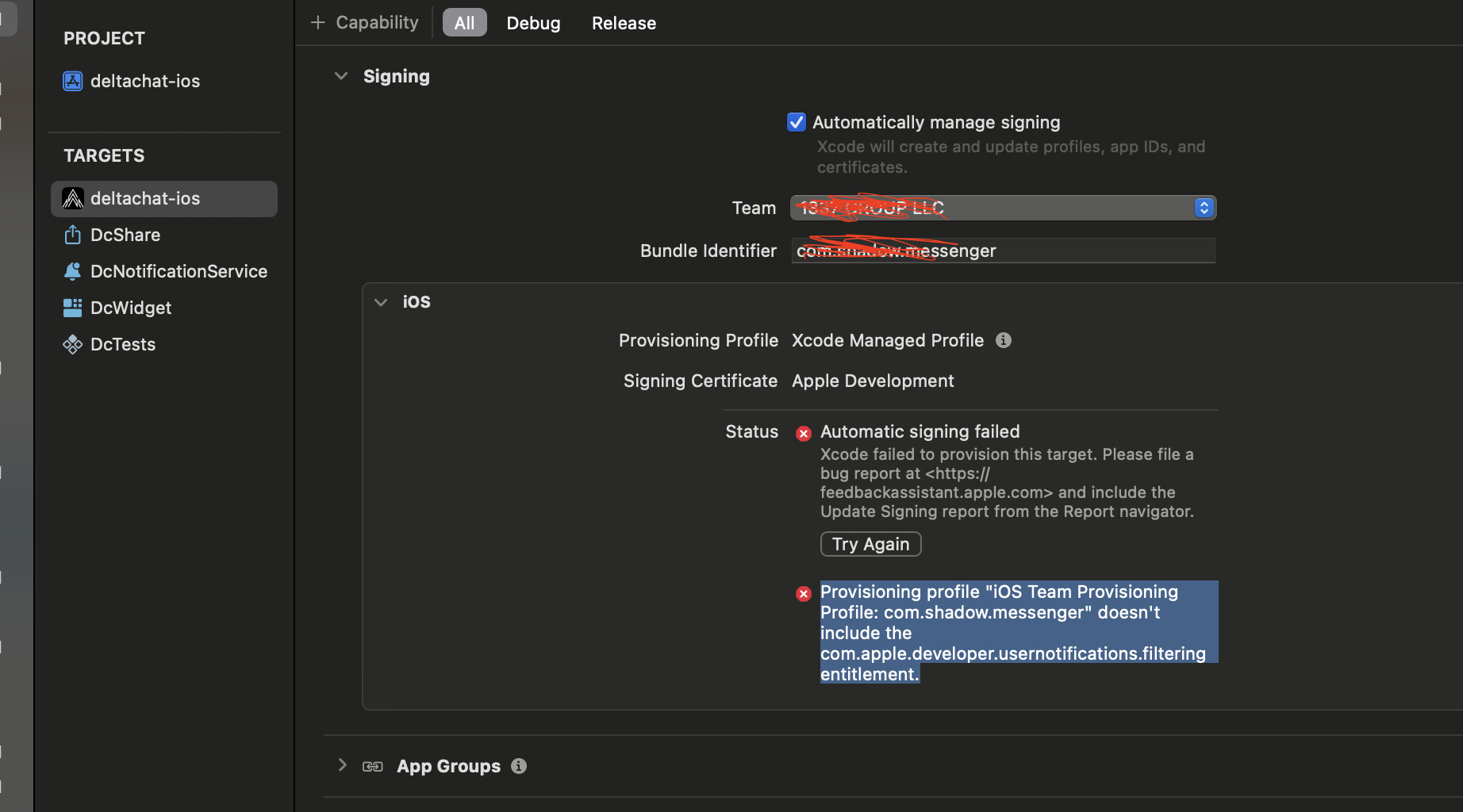
I am creating a provisional profile but getting the following error,
How to fix it?
Is there any documentation on how to upload to the App Store?
Provisioning profile “iOS Team Provisioning Profile: com.shadow.messenger” doesn’t include the com.apple.developer.usernotifications.filtering entitlement.
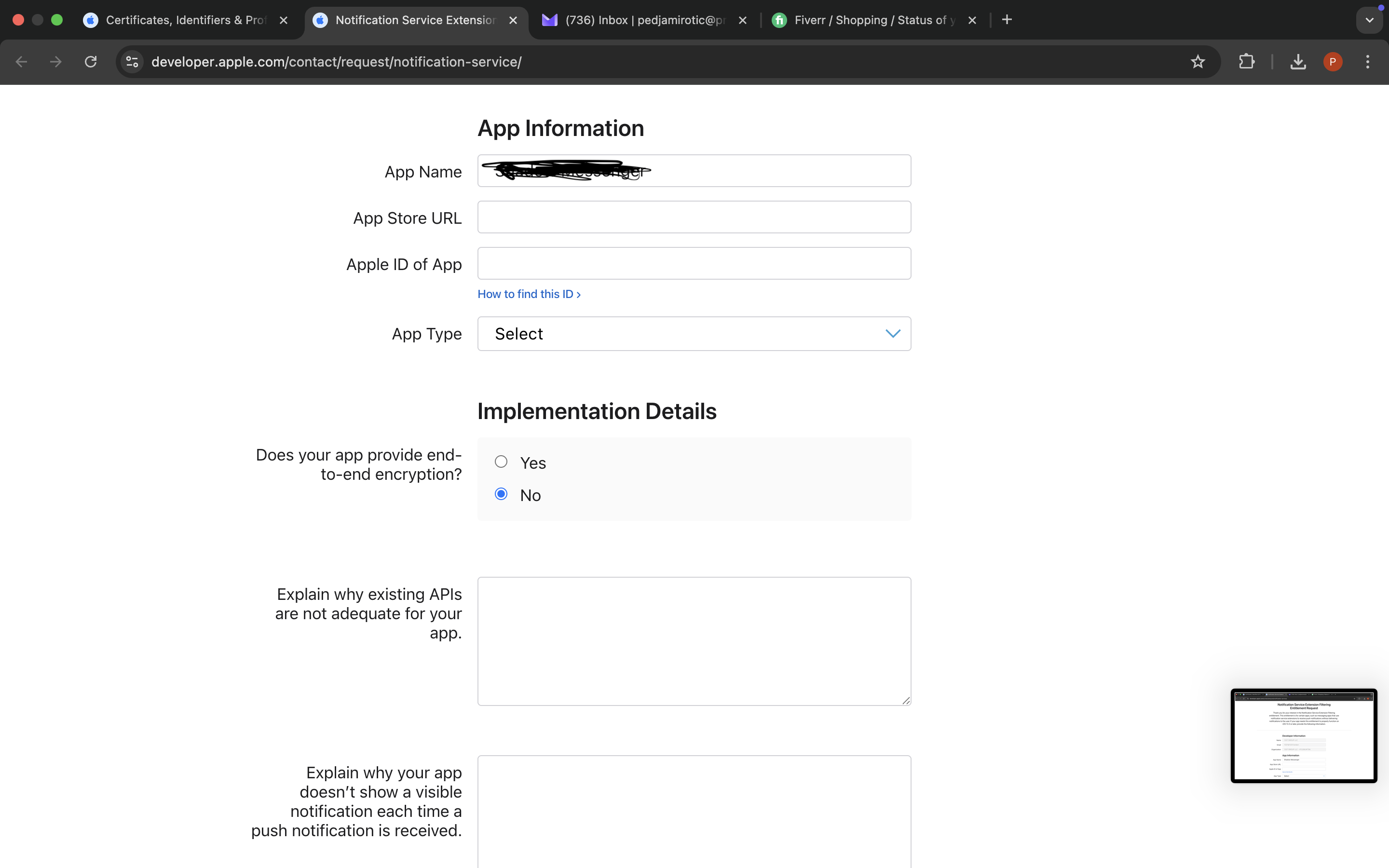
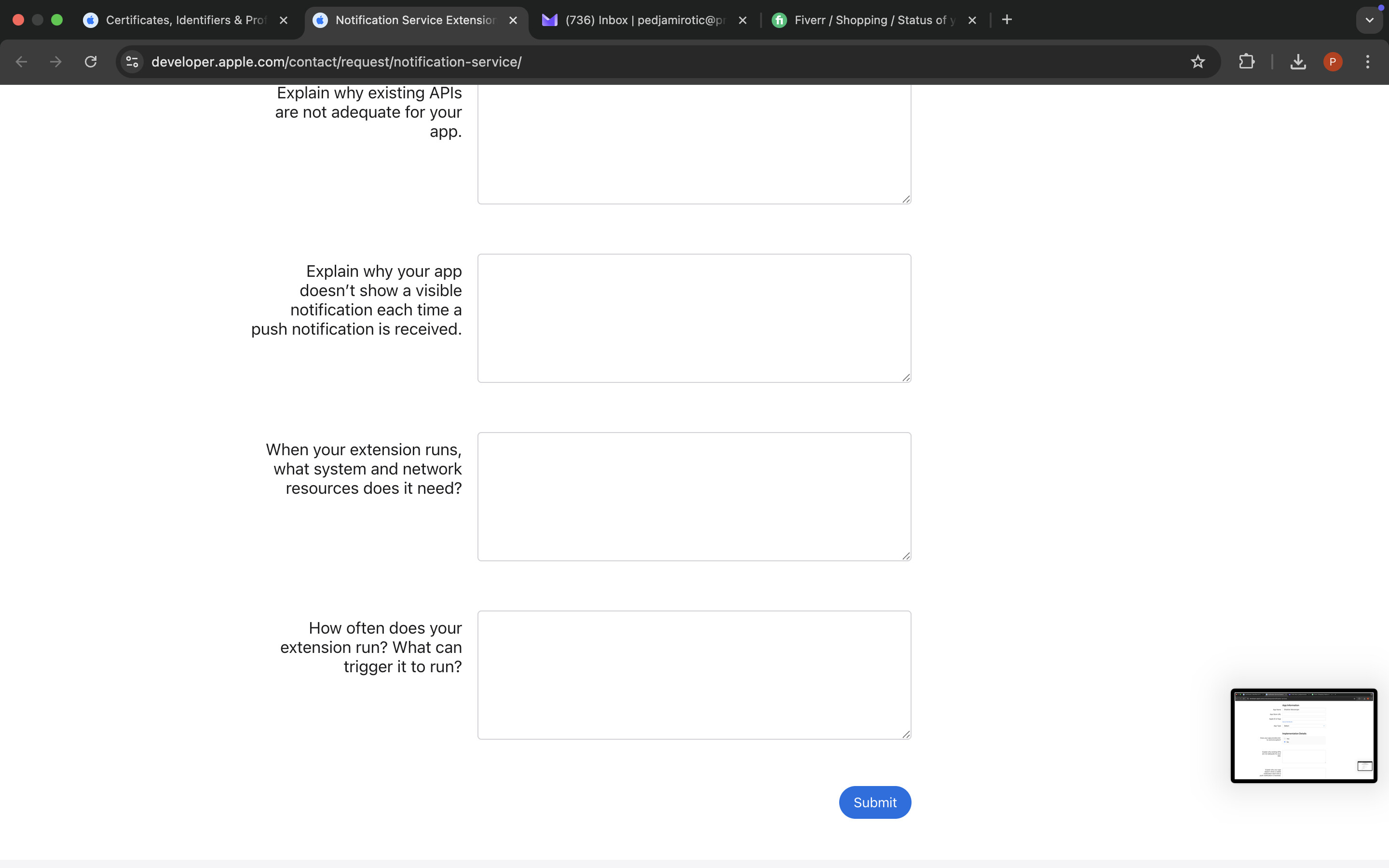
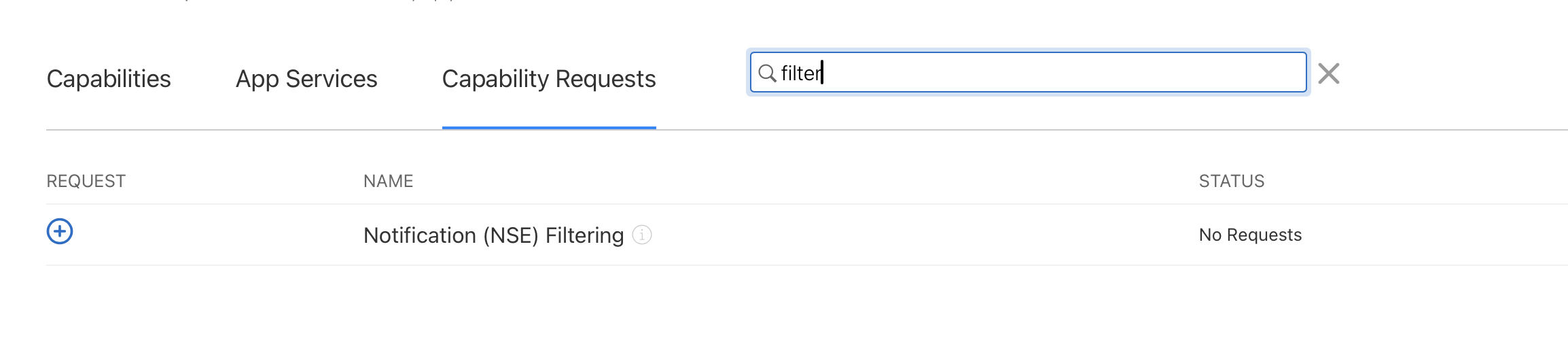
The entitlement needs to be requested from Apple. But without it the app should work, you’ll just get hidden notifications (phone lights up and makes sound) for eg read receipts.
To maybe save you some time; Apple doesn’t usually accept private company apps into the public App Store, and will likely send you to Apple Business Manager instead. If you’re doing this for <30 employees your easiest solution is just adding their UDIDs to your dev account and making an ad-hoc build which you host and then give your employees the itms url to install.
@r10s@Amzd
For now, I have removed the “com.apple.developer.usernotifications.filtering” entitlement, so the notifications are no longer shown in app kill mode.
Kindly help me with this
@Simon, I am a developer experiencing issues with notifications — they are not being received when the app is in a killed state.
This issue occurs after I change the Bundle ID, App Group, and Keychain Group for the following targets: deltachat-ios, DCshare, DcNotificationService, DcWidget, DcTests, and DcCore.
To get APNS working the notifications server needs to know what app to send it to. Currently it only sends to delta chat. As previously mentioned you’ll need to contact Merlinux as adding your new client into the APNS process requires work from the server side.