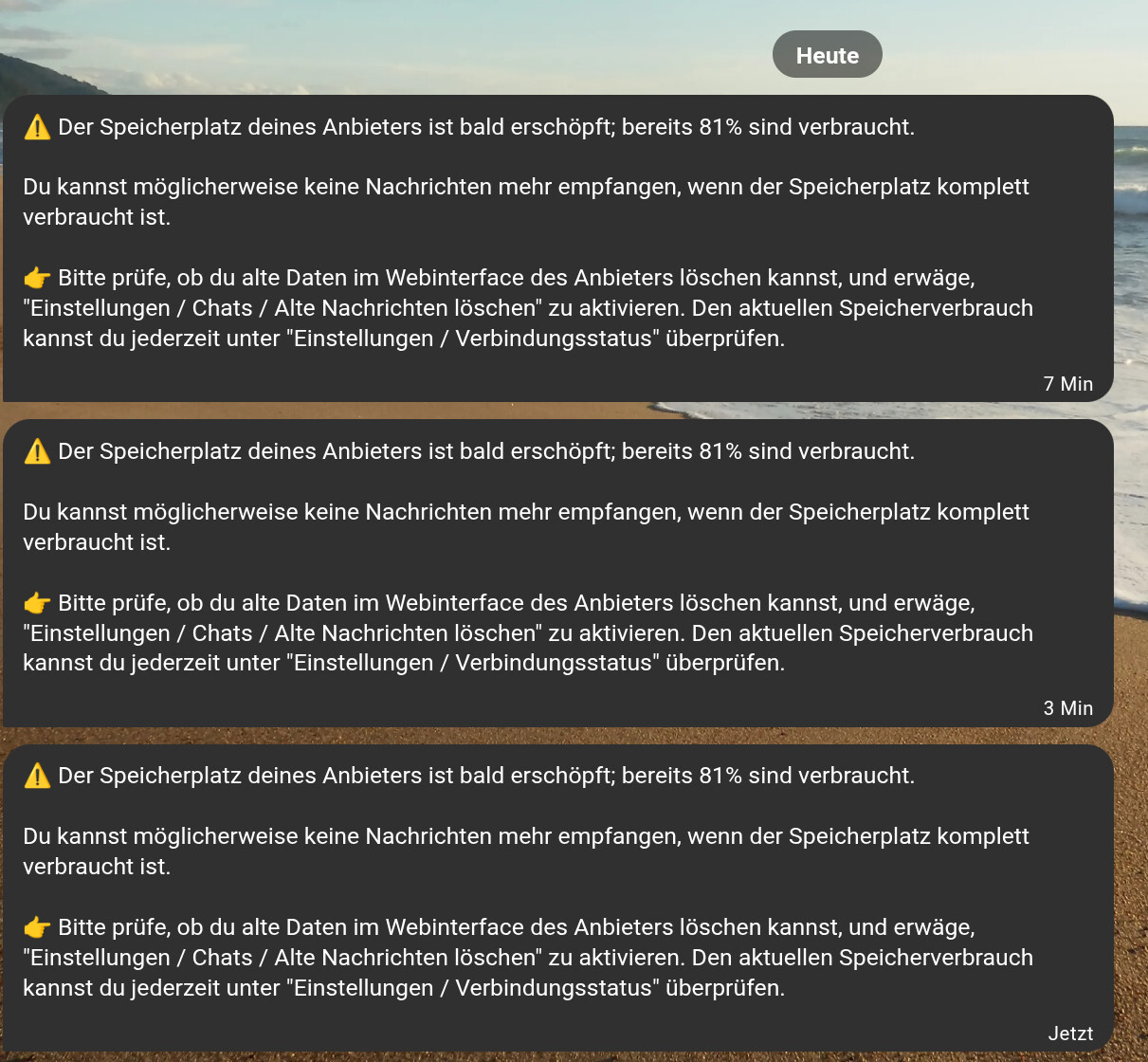
I manage my own Chatmail relay so I’m currently playing around with all the values to find what fits me and the potential users best. Currently I set the storage limit to 500MB on this relay and now I’m using around 81% of it:
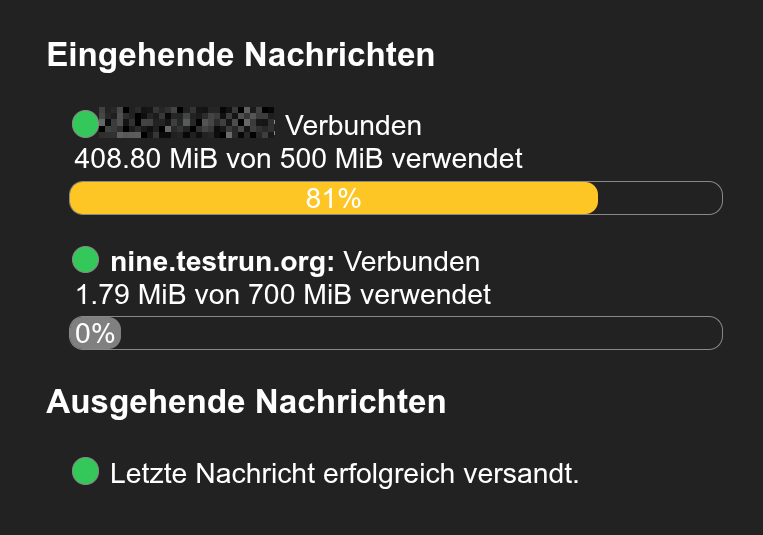
As I’m simulating what a “normal” user would act like, I want to see what happens during all those phases (storage warning / storage exhausted and so on).
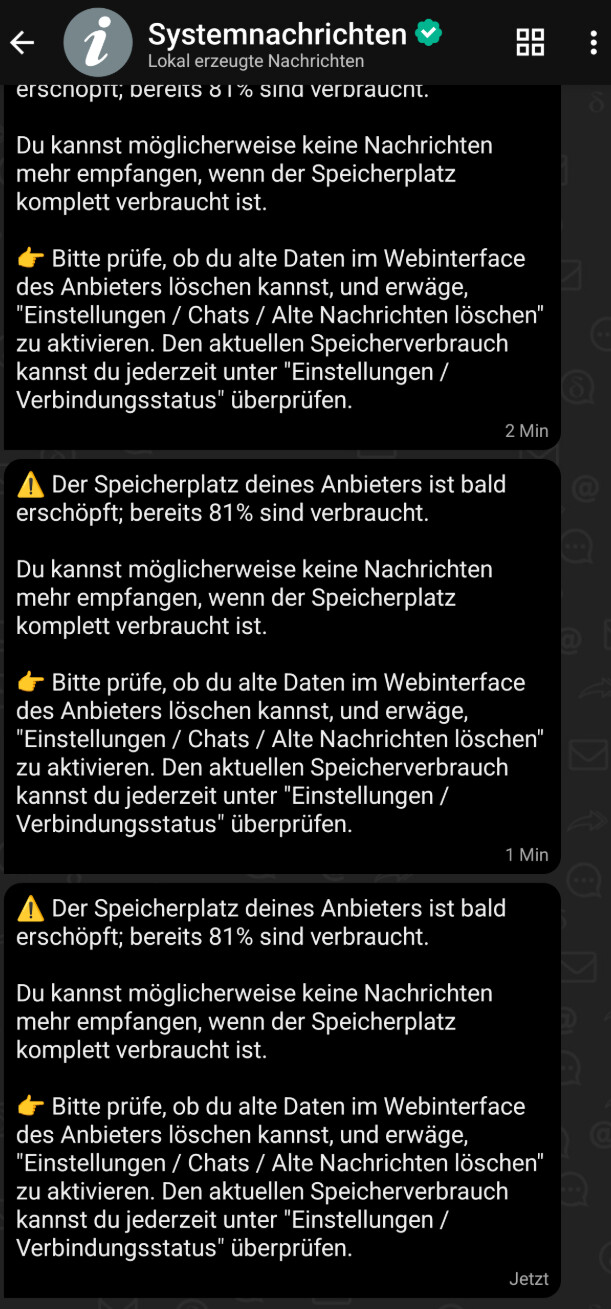
But at least the first stage (80% warning) is bad UX as I get spammed on all my devices – currently almost every minute or with a delay of a few minutes.
I found this topic which describes perfectly what I was thinking of:
Too much fuzz (likely to confuse non-technical users) for a problem that doesn’t exist if your settings are taking care of this problem already.
Unfortunately there was no response and no reaction at all on this topic since a year. Maybe people don’t use Delta Chat to get to this point? I reached it within almost three weeks 

Delta Chat version
2.43.0
Expected behavior
I maybe want to get this warning only once a day / week or only if the next “stage” (for example 90%) is being reached.
But I’m thinking that users should not be bothered with such irritating messages at all IF the server takes care of that automatically – which I don’t really know. It is currently configured like that:

Does that mean it keeps all the messages for 30 days – at least if the storage is exhausted?
Actual behavior
I get spammed on all my devices – currently almost every minute or with a delay of a few minutes in between.
I’m not sure if it’s on purpose to spam users like this.
I also don’t get why I should delete messages on my devices. This is about the storage on the server and the only “bad” thing that could happen is that synced devices, which have not received all temporarily stored messages yet get out of sync. But all messages which are already delivered to all my devices are not relevant anymore on the server.
Am I right with these assumptions?
Screen snapshots